
What are guests ordering?
See popular ordered dishes and quantities to review your menu selection and plan what to keep available.
Give guests an easy way to order, understand what those orders tell you, and find the right devices for table service or pickup.



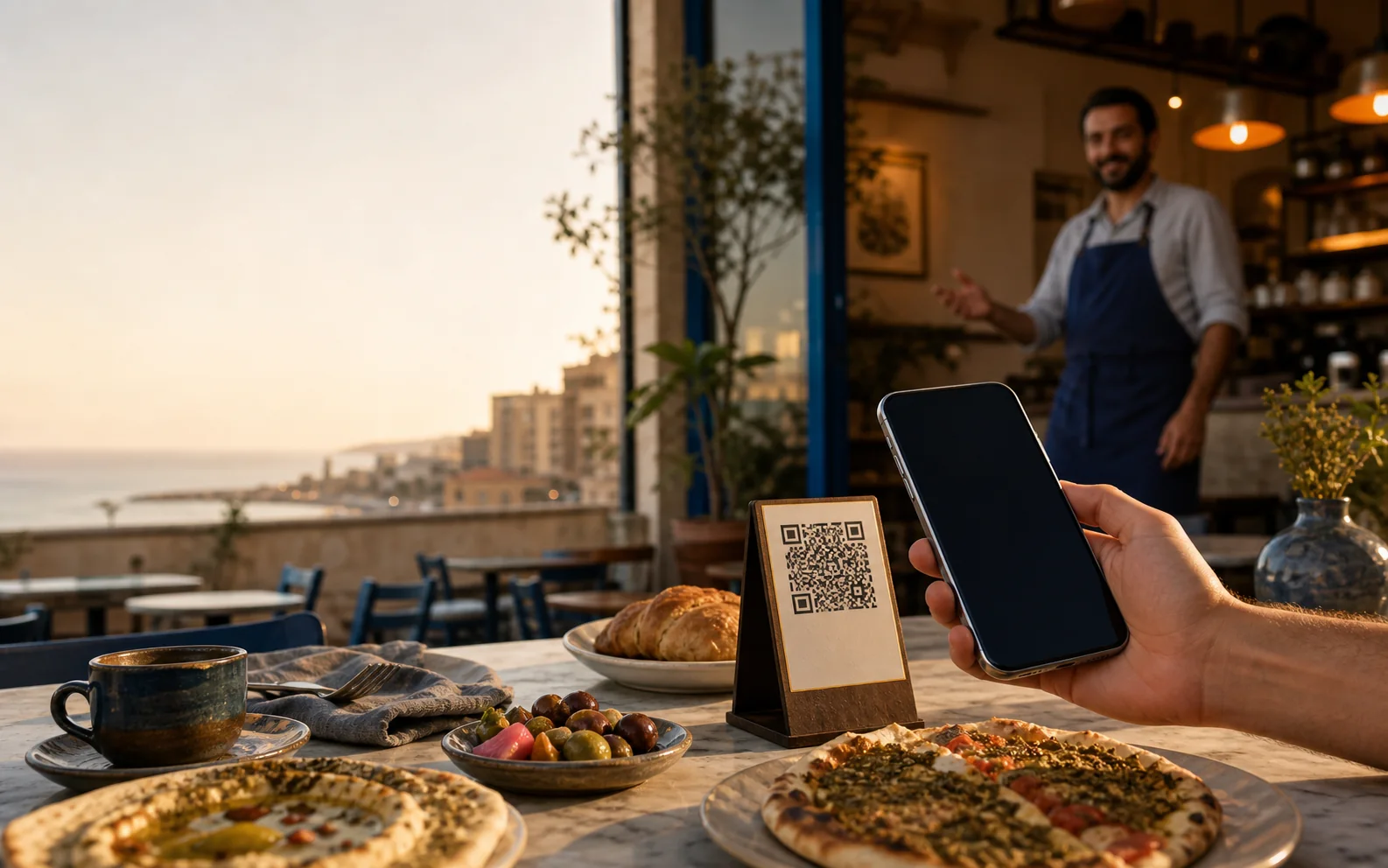
QR software and service devices are separate options. Choose one, or use both in your restaurant.
An editable menu, direct web orders, and a clearer view of the orders and customer details you receive.
Explore QR menus02For table serviceA table button and compatible receiver help guests let your team know when they need attention.
See waiter calling devices03For pickup countersGive a customer a buzzer, then notify them when their order is ready to collect.
See self-service buzzersGuests browse, choose and submit a direct order. Your team manages the menu and orders, with customer details and reports in the restaurant dashboard.
Guests browse categories, read descriptions, choose options, and order without creating an account or downloading an app.
Review direct orders, sales totals, popular items and the customer order history linked to your restaurant.
Wild za’atar, olive oil, tomato and mint
$4.50 · 400,000 LBP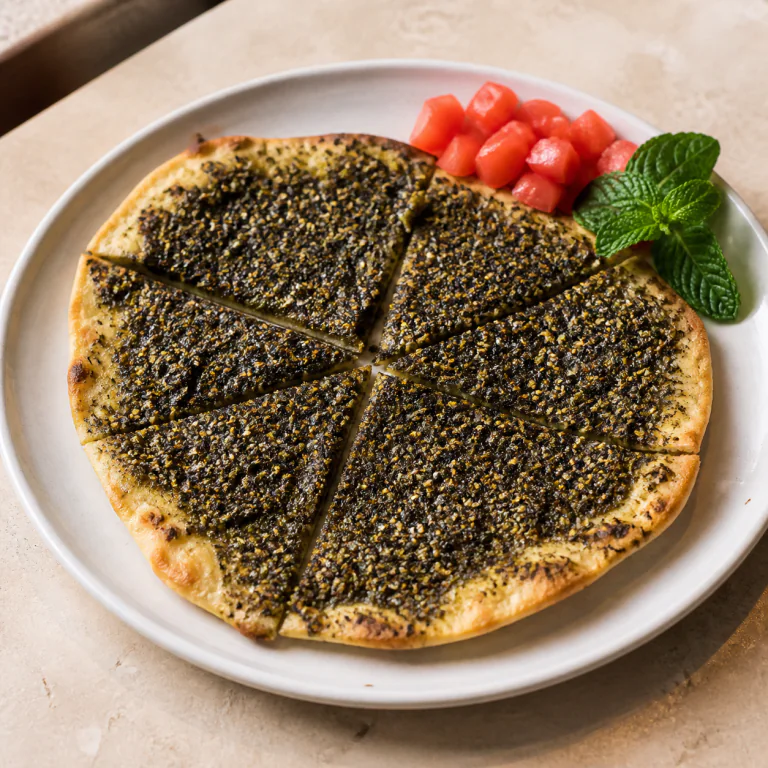
Labneh, cucumber, olives and toasted sesame
$6.00 · 535,000 LBP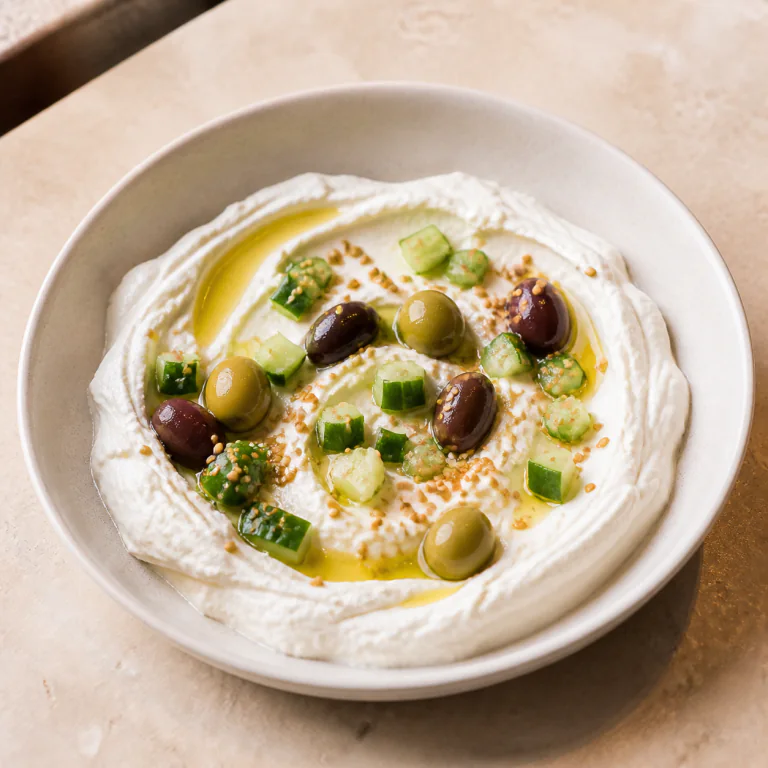
Illustrative demo data
The QR menu gives you more than a place to display dishes. Submitted orders build a record your team can use.
See popular ordered dishes and quantities to review your menu selection and plan what to keep available.
Review order totals, sales and average order value for a selected date range.
See the customer details submitted with orders, their order count and last order linked to your restaurant.
Browsing a menu does not identify every visitor. Customer records come from details supplied with orders; promotional contact requires consent.
Browse the existing models, choose quantities, and request a quote. We confirm device compatibility and availability with you.
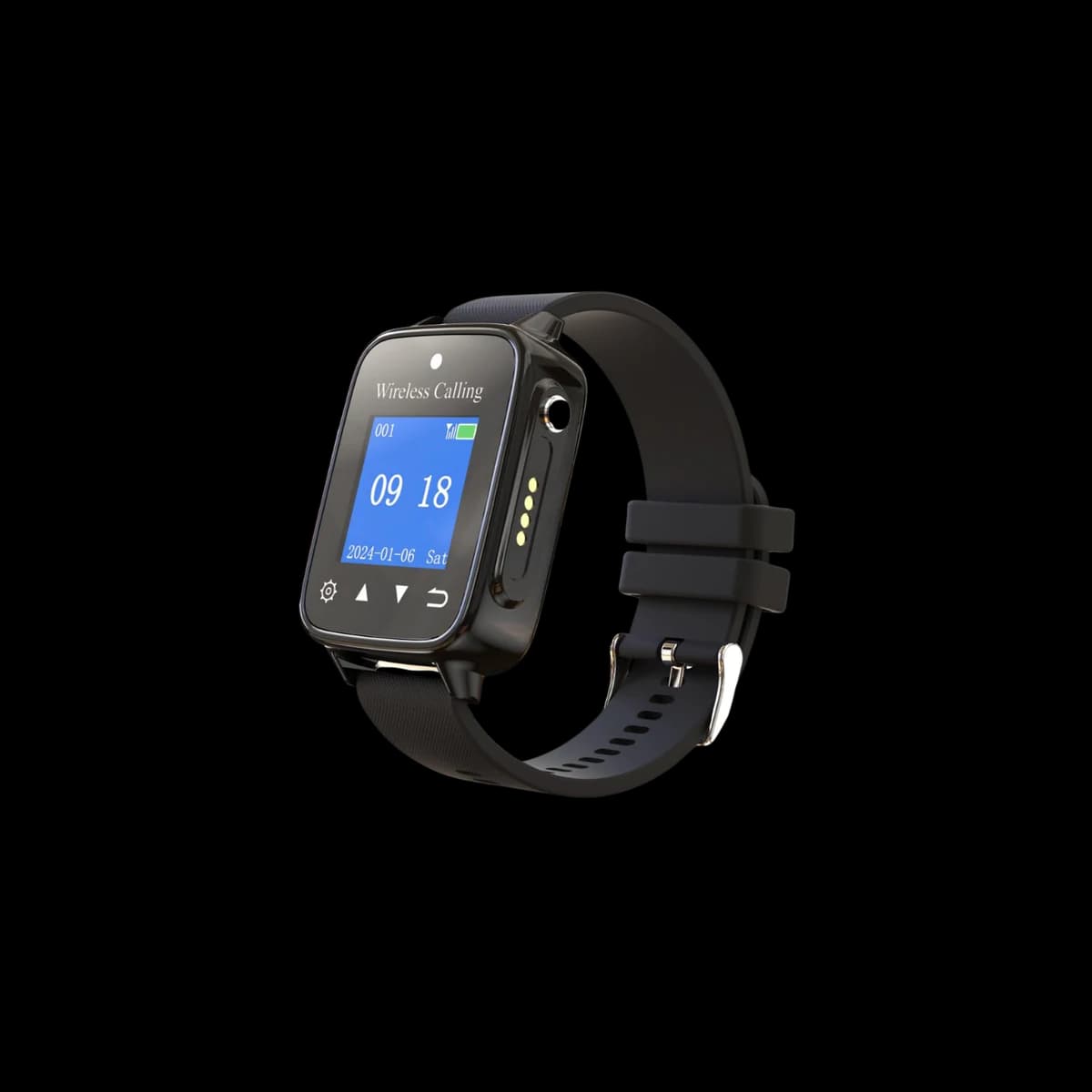
Table call buttons and wrist receivers for guests who need service at their table.
Choose buttons and watches in the quantities you need.Browse waiter calling systems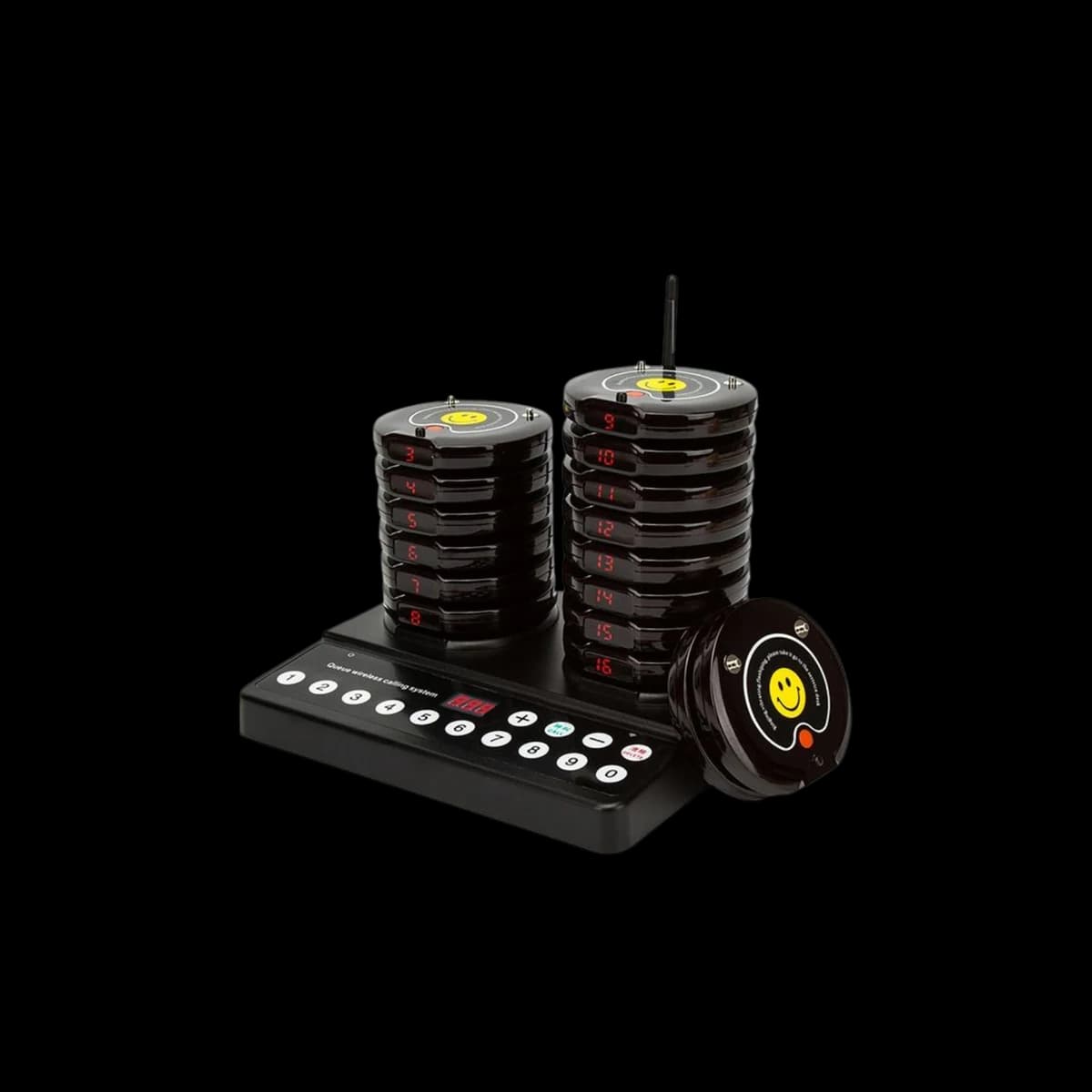
Counter-based calling sets for cafés, takeaway counters and other self-service pickup points.
Choose a set with 10 or 16 self-service buzzers.Browse self-service buzzersTell us how you serve and how many tables or pickup customers you need to cover.
Start with a 14-day Growth trial, no card required. QR software plans start at $15/month; devices are purchased separately.
A bilingual QR menu and direct web ordering for your restaurant.
Add the AI assistant with 100 requests each month.
A higher AI allowance for teams that use the assistant more often.
Yes. QR software and hardware devices are separate options. You can start with a QR menu, choose devices for service, or use both. Device purchases are separate from the QR software subscription.
No. The menu, cart, checkout, and order-status page all run in the guest’s phone browser.
The current web checkout supports delivery and pickup orders, placed for cash payment. Browser card checkout and scheduled orders are not part of the current guest flow.
0% OrderScribe commission applies to orders placed through your QR menu or direct web link. Your subscription is a flat plan; delivery, taxes, payment providers, or other third-party costs may still apply separately.
When a customer submits an order, the information they provide and their order history are linked to your restaurant. Browsing or scanning alone does not identify every visitor. Promotional outreach must respect customer consent.
Waiter calling systems let guests request attention from their table. Self-service buzzers let your counter team notify guests when an order is ready for collection. Choose models and quantities from the hardware catalogue; we confirm compatibility and availability before ordering.
Try the QR software or explore the hardware catalogue. We can help you choose a starting point for your restaurant.
Talk to us about your setup